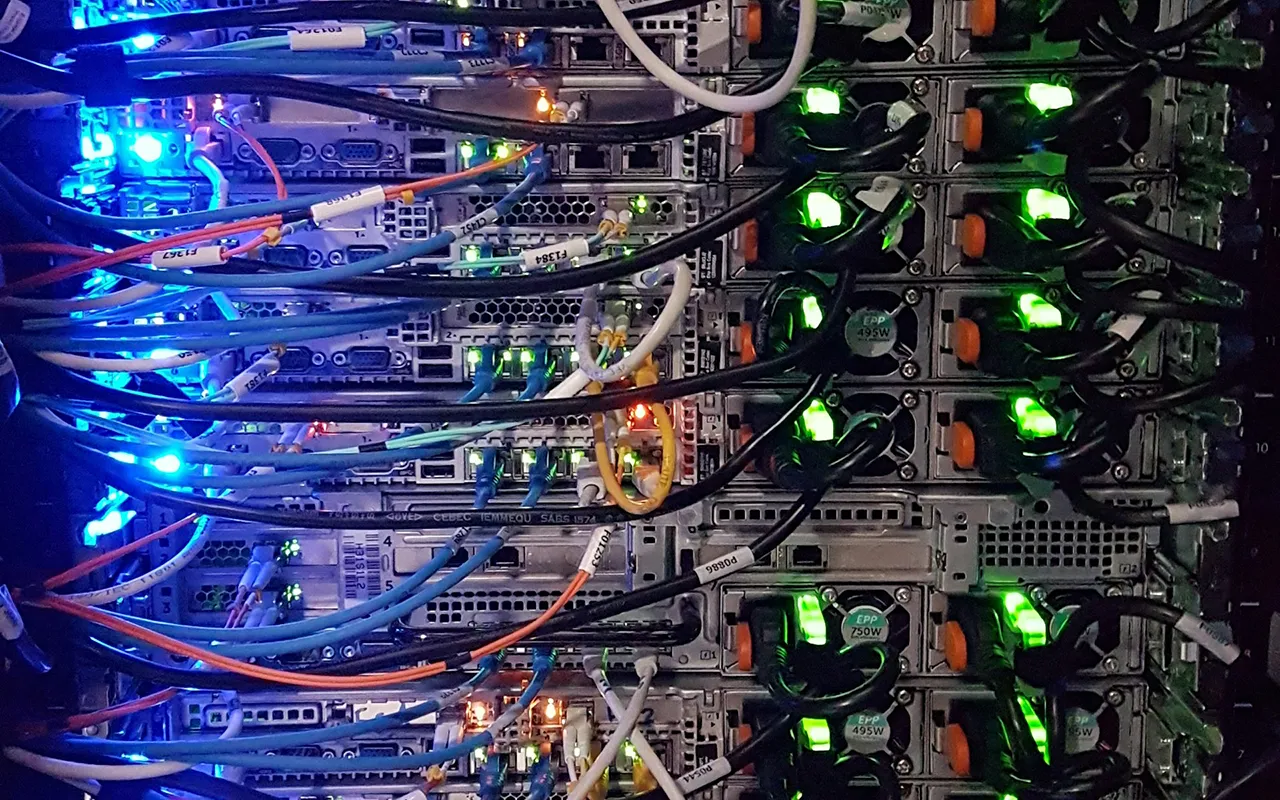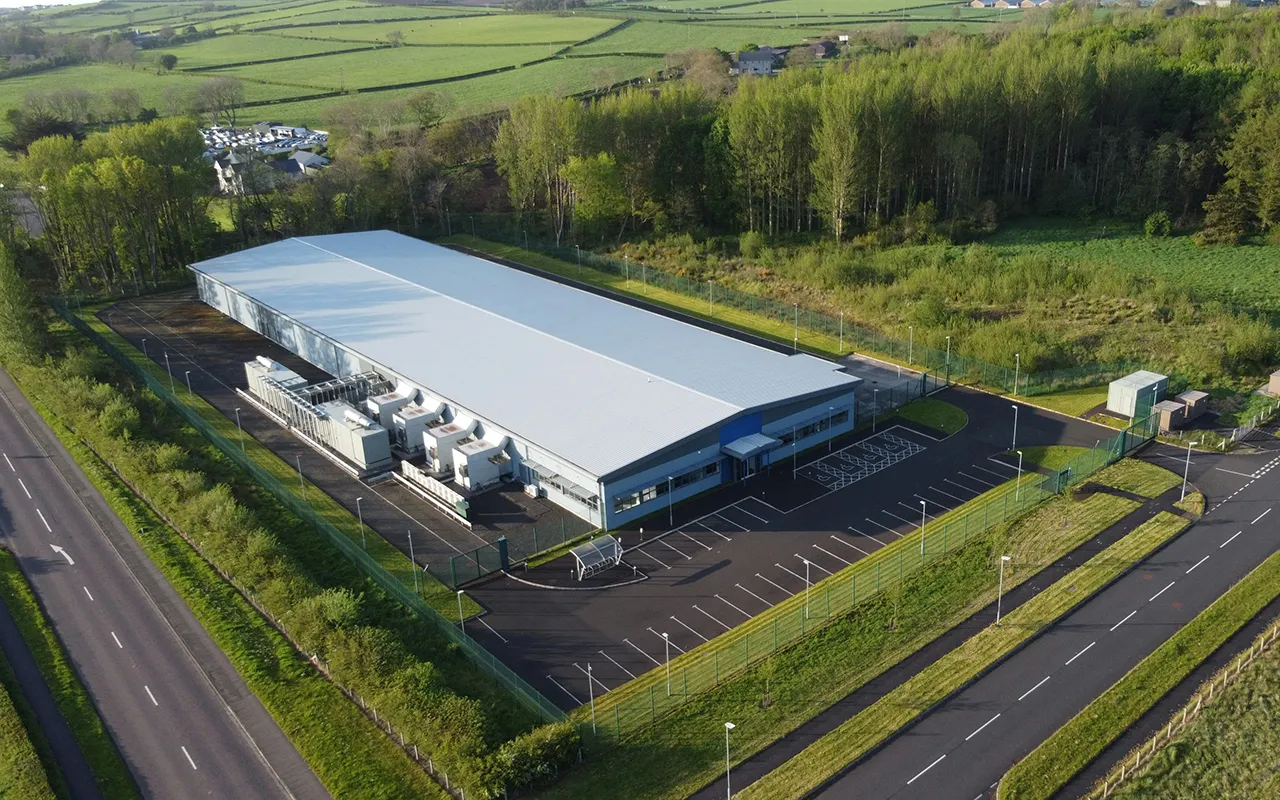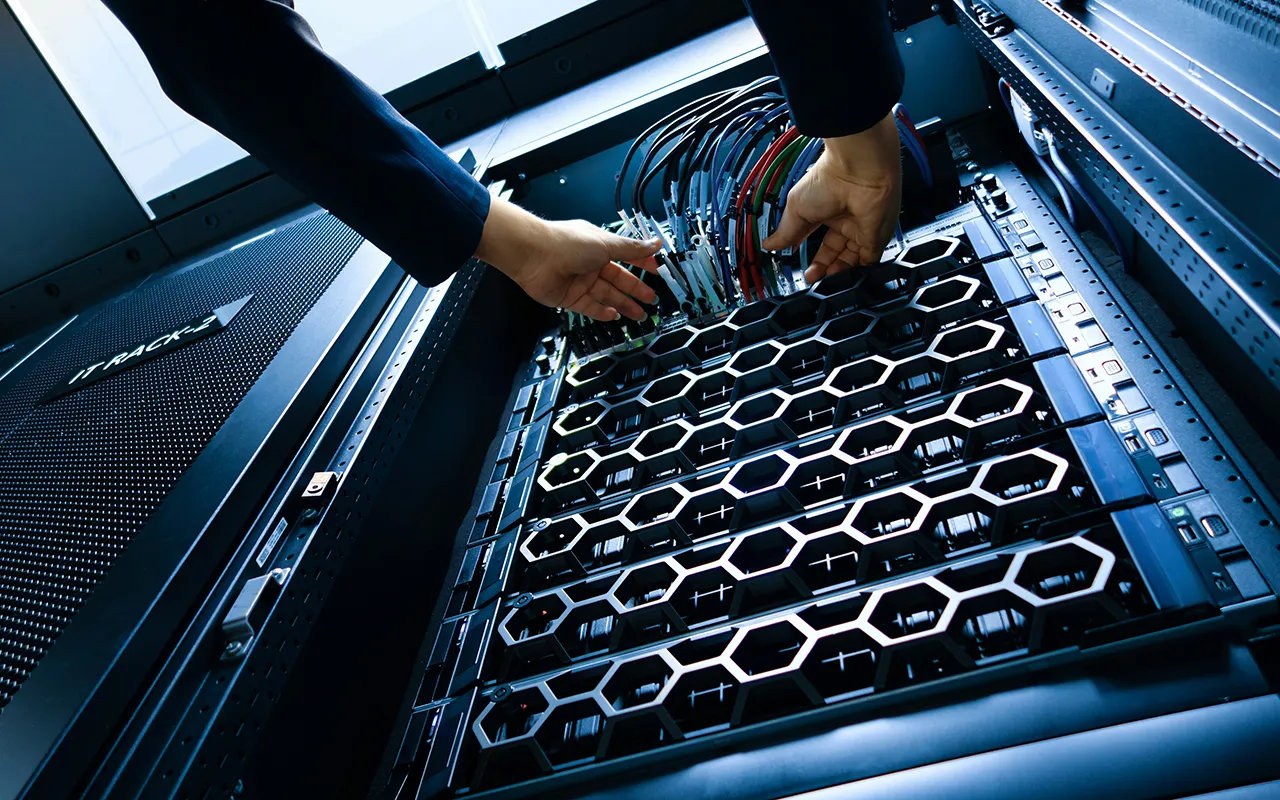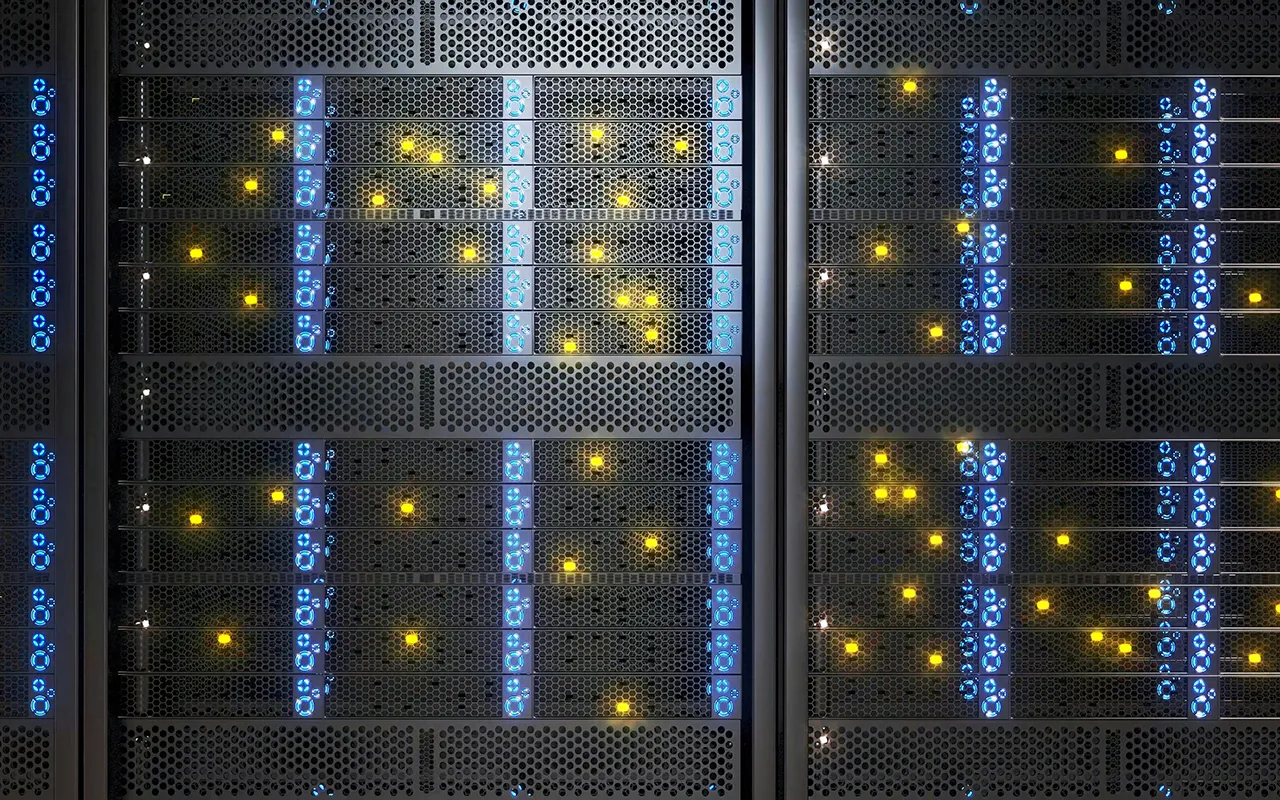
Data center asset tracking is the practice of using RFID, BLE, barcode, and IoT technology to identify, locate, and manage the full lifecycle of physical IT equipment including servers, racks, cabling, power, and cooling assets inside a facility. It replaces manual, spreadsheet-based audits with continuous, automated records that support compliance, uptime, and capital planning, and it's becoming more important as the number and density of data centers accelerates through the current AI-driven building boom.
Why Data Centers are Multiplying After 2026
If you've seen the recent maps comparing current U.S. data center capacity to what is planned after 2026, the jump is not a rendering error or marketing exaggeration. It's backed by hyperscaler capital spending, government energy planning, and construction industry data. Global data center capacity is on pace to nearly double by 2030, and AI workloads are projected to account for roughly half of that total capacity. The growth isn't explained by a single cause; it's four forces compounding at once.
First, the nature of AI workloads is shifting. Training large models has dominated data center demand so far, but inference i.e. actually running those models for users, is expected to overtake training as the primary AI workload within the next year or two. Inference needs to happen close to users to keep latency low, which means more distributed facilities rather than a handful of enormous ones.
Second, hyperscaler capital spending has entered a genuinely new tier. The largest cloud providers are collectively committing hundreds of billions of dollars to AI computing capacity in a single year, and multi-company infrastructure projects targeting 10+ gigawatts of capacity are now underway. Construction starts tracked by industry cost analysts have grown at a similarly steep rate over the past two years.
Third, and this is the constraint that actually paces the boom - power and grid capacity, not appetite for AI compute, is the bottleneck. A meaningful share of planned AI data center capacity is projected to slip by a year or more because of interconnection delays, and national energy planners project the grid will need a large amount of new capacity by 2030, with data centers responsible for roughly half of that new demand.
Fourth, the equipment itself has changed. Successive generations of GPU-based AI accelerators draw far more power per rack than the servers most existing facilities were designed around, which is why so much of the new capacity is purpose-built with liquid cooling and higher-voltage power distribution rather than retrofitted into older buildings.
The practical takeaway for anyone responsible for a data center: more facilities are coming online, they're more expensive and power-dense than the last generation, and the equipment inside them is harder to track manually than ever before. For a deeper look at what's driving that growth, see why AI is fueling the data center boom.
What's Actually Inside a Data Center? (Asset Categories)
Before you can track assets, it helps to have a clear picture of what counts as one. A typical facility contains several distinct categories of trackable equipment:
- Compute: rack, blade, and tower servers; GPU and AI accelerator nodes
- Storage: SAN/NAS arrays, storage drives, tape backup systems
- Networking: switches, routers, firewalls, patch panels, structured cabling
- Physical infrastructure: server racks and cabinets, raised floors, containment systems
- Power: UPS systems, generators, power distribution units (PDUs), transfer switches, batteries
- Cooling: CRAC/CRAH units, liquid cooling manifolds, chillers
- Safety and security: fire suppression systems, badge/access-control hardware, surveillance equipment
- Mobile and support assets: tool carts, spare-parts inventory, test equipment, handheld scanners
- Software and licenses: OS and virtualization licenses, DCIM and monitoring entitlements
That list matters operationally, not just for inventory purposes. For the complete category-by-category breakdown — including the specific line items inside each one — see the complete list of data center assets to track.
What are the Types of Data Centers?
“Data center” covers a wider range of facilities than most people realize, and the tracking challenge looks different in each one.
- Enterprise data centers: Privately owned and operated by a single organization for its own IT needs, such as a bank, hospital system, or manufacturer.
- Colocation (colo) data centers: Multi-tenant facilities where a third-party provider leases rack, cage, or suite space to many customers.
- Hyperscale data centers: Massive, modular facilities owned or leased by the major cloud providers, forming the backbone of cloud regions.
- Edge data centers: Smaller, decentralized sites placed close to end users for low-latency processing, ranging from a single rack to roughly fifty.
- Cloud data centers: Facilities delivering on-demand, subscription-based compute and storage, whether hyperscaler-owned or leased.
- Neoclouds: A newer, AI-specialized category offering GPU-as-a-service infrastructure, distinct from general-purpose hyperscalers.
- Government and sovereign data centers: Built for public-sector or national-security workloads; this category is growing quickly as “sovereign AI” capacity expands.
A second, complementary way to classify data centers is by workload: cloud platform hosting, AI training clusters, AI inference/edge inferencing, high-performance computing, content delivery, and disaster recovery. Many real facilities serve more than one of these purposes at once, which is exactly why a flexible, technology-blended approach to asset tracking tends to work better than a single-tool solution. For a full breakdown of all seven facility types and how Tier I–IV redundancy ratings work, see our guide to data center types.
What Data Centers Cost to Build and Equip
Understanding data center economics helps explain why asset visibility has become a board-level concern rather than a back-office task. A standard, non-AI shell-and-core build now runs close to $11.3 million per megawatt globally, up from $10.7 million in 2025 and $7.7 million in 2020. AI-optimized facilities - with liquid cooling, higher-voltage power distribution, and denser rack layouts - carry a 7–10% construction cost premium over traditional builds, before accounting for the tenant technology fit-out.
That fit-out i.e. the GPUs, servers, and networking gear that actually go inside the shell, is where AI-facility costs really separate from traditional ones, and it can run well into the tens of millions of dollars per megawatt on top of the base construction cost. Put together, a mid-size 50 MW facility can run into the hundreds of millions as a standard build, and substantially more once it's AI-optimized.
Every dollar of that spend eventually becomes a physical, depreciable asset sitting in a rack somewhere - a server, a PDU, a cooling unit. Once construction is finished, the question shifts from "what are we building" to "can we prove what we actually have," which is the exact problem asset tracking solves. For the full cost breakdown by component and the AI-premium math, see what a data center really costs to build.
Why Asset Tracking Matters in a Data Center
Asset tracking sits at the intersection of two disciplines that data centers increasingly need working from the same underlying data: DCIM (Data Center Infrastructure Management), which handles physical infrastructure like power, cooling, and floor space, and ITAM (IT Asset Management), which handles the financial and lifecycle side - procurement, depreciation, warranty, and disposal. Most enterprise data centers need both, and both are only as good as the asset data feeding them.
- Audit and compliance readiness: Replaces manual, error-prone floor-walks and spreadsheet reconciliation with automated, continuously current records.
- Capacity planning: Accurate asset data lets DCIM and ITAM teams plan power, cooling, and floor space against what's actually installed, not what's assumed to be installed.
- Loss and theft prevention: Dense, high-value equipment that moves frequently between racks is exactly the profile where manual tracking breaks down, and where detecting unauthorized server removal or supply-chain tampering in real time matters most.
- Move/Add/Change (MAC) accuracy: Every server relocated without an updated record pushes the asset register further from reality, a well-documented failure mode in colocation and multi-tenant facilities.
- Faster mean time to repair (MTTR): Knowing an asset's exact rack and U-position without a physical search shortens incident response.
- Lifecycle and warranty management: Tracking assets from receiving dock through decommissioning (ITAD) supports both cost control and e-waste/compliance requirements. Servers are typically refreshed every 3–5 years, so tracking purchase date, warranty status, and failure history keeps that cycle predictable rather than reactive.
- Spare-parts availability: Locating the right drive, NIC, or power supply during an outage in seconds rather than searching a storeroom shelf by shelf; an unfound spare turns a quick swap into hours of downtime.
Common Data Center Challenges — and How AssetGather Solves Them
| Challenge | How AssetGather Solves It | |
|---|---|---|
| 1 | Massive scale - a single tracking error can affect thousands of machines | Real-time visibility into millions of data-center assets, not periodic snapshots |
| 2 | Manual inventory - barcode scans, visual rack checks, and spreadsheet reconciliation are slow and error-prone in dense racks | Scan an entire rack of servers in seconds instead of hours |
| 3 | Frequent hardware moves - installs, drive swaps, rack reconfigurations, and repair shipments constantly drift the record | Track every hardware movement automatically with RFID & BLE |
| 4 | Security & compliance - theft, unauthorized server removal, and supply-chain tampering; strict controls in finance, government, and healthcare | Detect unauthorized movements in real time |
| 5 | Hardware lifecycle - servers are typically refreshed every 3–5 years and must be tracked by purchase date, warranty, and failure history | Know exactly when each server must be refreshed |
| 6 | Spare-parts inventory drives, NICs, power supplies, and cooling components; an unfound spare turns downtime into hours | Real-time visibility into critical spare parts |
RFID, BLE, Barcode, or IoT - Which Technology Fits?
There isn't one right answer here — the honest, non-vendor-biased answer used across the industry is that most data centers end up with a blended stack rather than a single technology, matched to how dense the environment is and how often equipment moves.
| Technology | Best Fit | Trade-off | |
|---|---|---|---|
| 1 | Passive RFID | Dense, static rack environments; periodic audits | Bulk, no-line-of-sight reads of hundreds of assets in seconds, but not continuous |
| 2 | Active RFID / BLE | Continuous, real-time location at rack, room, or zone level | Detects movement without waiting for the next audit; higher infrastructure cost |
| 3 | Barcode | Item-level workflows, exceptions, legacy processes | Lower upfront cost; typically used alongside RFID, not as a full replacement |
| 4 | IoT condition sensors | Environmental monitoring layered on top of identity/location tracking | Adds temperature/humidity data at the rack or cabinet level |
Fixed readers at doorways, loading docks, or rack rows support continuous, automatic audit trails, while handheld readers suit periodic sweeps and lower-cost pilots. In practice, the choice comes down to three questions: how dense is the asset population, how often does it move, and does the organization need periodic audit accuracy or continuous real-time visibility? We cover this decision in more depth in our webinar, Barcode, RFID, or BLE? How to Choose the Right Asset Tracking Technology as well as in our blog comparing these technologies - RFID vs. BLE: capabilities and comparison of asset tracking technologies.
The ROI Case for Data Center Asset Tracking
Vendors and analysts report a fairly consistent range of outcomes, though these should be treated as a directional range rather than a guaranteed result for any specific deployment:
- Audit time reduction: RFID-based inventory systems are commonly reported to cut physical audit time by 75–95%, with some deployments taking audits from weeks down to hours.
- Location accuracy: active RFID deployments report 99%-plus asset location accuracy across the full asset lifecycle.
- Labor cost basis: manual audits are commonly modeled at roughly $300 per worker per day, the standard input used to calculate audit-labor ROI.
- Downtime avoidance: as a cross-industry (not data-center-specific) benchmark, organizations using real-time asset tracking and condition sensing report 30–50% reductions in unplanned downtime.
- Market growth: the global data center asset tracking market was estimated at roughly $8.2 billion in 2025 and is projected to keep growing substantially through 2033, reflecting how fast enterprise adoption is moving.
Because deployment scope varies so much - facility size, asset density, existing process maturity - the most useful next step is usually a personalized estimate rather than a single industry-wide number. For a real-world example of this in practice, see how one IT team cut audit time with RFID asset tracking.
What Happens When You Don't Track Assets
The cost of skipping asset tracking shows up in outage statistics as much as anywhere else. Recent industry outage research found that 57% of major outages now cost more than $100,000, and for the second year running, roughly 1 in 5 major outages exceeds $1 million - with UPS, transfer switch, and generator failures the leading causes, and firmware or software faults the fastest-growing IT-side cause. A widely cited but older benchmark once put average downtime cost at roughly $8,851 per minute; that figure is a useful legacy reference point, not a current one, and should be read alongside more recent outage-cost data.
Beyond outages, the risks compound: inaccurate asset records undermine compliance evidence and warranty claims, capacity-planning teams either over-provision, wasting capital in an already expensive build, or under-provision into an outage, and high-value equipment - GPUs especially, amid ongoing supply shortages - becomes a more attractive theft target when nobody can quickly confirm what should be where. On top of all of it, incident response simply takes longer when responders have to physically search for equipment instead of looking up its exact location.
What to Look for in a Data Center Asset Tracking Partner
If you're evaluating vendors rather than just researching the category, a few selection criteria consistently separate the systems that hold up in production from the ones that get abandoned after a pilot:
- Technology flexibility: Support for RFID, BLE, and barcode rather than forcing a single approach on every asset type.
- Integration: Native or well-documented connections into ServiceNow, CMDB, and ERP systems like Oracle or SAP, so asset data doesn't live in a silo.
- Granularity: Rack- and U-level location accuracy, not just building- or room-level.
- Real-time vs. periodic: The ability to match tracking cadence to how often equipment actually moves in your environment.
- Reporting and compliance: Audit-ready records that hold up for SOC 2, ISO, and warranty documentation without manual reconciliation.
- Lifecycle coverage: Visibility from receiving dock through decommissioning and ITAD, not just “where is it right now.”
AssetPulse's RFID IT asset tracking solution is built around exactly this blended-technology, integration-first approach for data center environments — see how AssetPulse tracks data center assets in real time. If you're just starting to evaluate options, our guide to choosing the right asset tracking software walks through the broader selection criteria.